


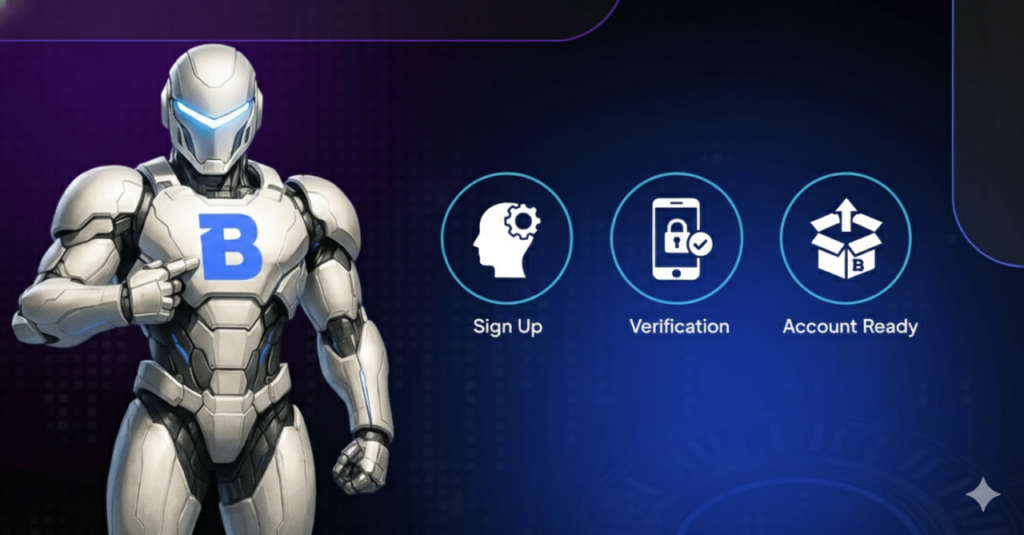
Many people in India are trying to sign up for Bitget. But they cannot. The sign-up page does not work. Bitget is not allowing new accounts from India right now. This leaves new traders stuck. The reason is new rules in India. This article explains that reason. Then, it gives you a clear solution. You can make an account on a different exchange. The exchange is called BTZO. BTZO registration in India is open and fast. This guide shows you how to do it step by step. You can be ready to trade very soon.
Why You Cannot Make a New Bitget Account in India
The reason is simple. India has a new rule for crypto. The rule is for all exchanges. They must talk to a government group called FIU-IND. They must get approval. Bitget is likely doing this work now. While they do this work, they stop new people from joining. This is to follow the law. It is a temporary stop. But for you, it means you cannot join Bitget today. You need another place to trade.
What is BTZO?
You need a platform that works now. BTZO is a cryptocurrency exchange. It lets people buy and sell crypto. The important thing for you is this: BTZO allows new users from India to sign up. It follows the rules. You can use it today. It has many features like Bitget. You can trade many coins. You can use Indian rupees. Think of BTZO as your open door right now.
How to Make Your BTZO Account: Simple Steps
Making a BTZO account is easy. Just follow these steps.
Step 1: Go to the Real BTZO Website.
Open your phone or computer. Type the official BTZO website address. Be very careful. Make sure you are on the real site. Do not click on ads or strange links.
Step 2: Click the Sign-Up Button.
Look for the button that says “Register.” It is at the top of the page. Click on it.
Step 3: Fill in Your Information.
You will see a form. You need to give your email address. Use a real email you check often. Then, make a strong password. Make it long. Use letters and numbers. Do not use a password you use elsewhere. Click to agree to the rules. Then press submit.
Step 4: Check Your Email.
Go to your email inbox. Look for an email from BTZO. Open it. Copy the 6-digit OTP and paste it in the form on the BTZO website. This proves the email is yours. Your account is now made.
Step 5: Turn On Extra Security (2FA).
This is very important. Go to your account settings. Find “Security.” Turn on Two-Factor Authentication (2FA). Use an app like Google Authenticator. This stops other people from getting into your account.
Step 6: Put Money In and Start.
Once 2FA activation is done, you can add money. Click “Deposit.” Choose “USDT” You can transfer USDTs from your other digital wallet. Put in some money. Now you are ready. You can explore the market and make your first trade.
Also Read: How to Create and Verify Your BTZO Account
Bitget vs. BTZO: A Side-by-Side Look
Let’s compare the two for new Indian users today.
| What You Need | Bitget (Right Now) | BTZO (Right Now) |
|---|---|---|
| Can I sign up? No. | The page is blocked for India. | Yes. You can sign up right away. |
| How fast is KYC? | You cannot even start. | Very fast. Often done in minutes. |
| Works in India? | Not for new users. | Yes, it works fully. |
| What should I do? | Wait or look for another exchange. | Sign up on BTZO now. |
The table shows the clear choice. BTZO registration in India is the way to go.
Smart Tips for New Traders
Starting is exciting. Stay safe with these three tips.
- Only Use Real Links. Only go to BTZO’s real website. Do not trust links sent on WhatsApp or Telegram. Type the address yourself or use a bookmark.
- Guard Your Password and 2FA. Never tell anyone your password. Never give your 2FA codes to anyone. BTZO will never ask for them.
- Start Small. Do not put all your money in at once. Start with a small amount. Learn how trading works. Learn the BTZO website. Then add more when you feel comfortable.
Also Read: How to Secure Your BTZO Account like a pro
Your Path Forward Starts Now
The problem is clear. Bitget is not accepting new users in India. This is because of new rules. But you do not have to wait. You have a simple solution.
The solution is to sign up with BTZO. The steps are simple. You can finish in less than ten minutes. Then you can verify, add money, and start trading. Do not let this stop slow you down. Take action now. Follow the steps in this guide. Set up your account. Turn on your security. Begin your crypto trading journey today.